
这个插件比较干净,不带下载按钮;可以去github.com或者国内镜像站点gitee.com输入”pdfjs”搜索下载或者直接点击下面链接下载:
具体使用把下载下来的文件放到网站的某个目录,然后这样调用即可,即“pdfjs/web/viewer.html?file=pdf文件地址”:
<style>
  .iframe{min-height:600px}
</style>
<div class="iframe">
   <iframe src="{MY_JS_PATH}pdfjs/web/viewer.html?file={APP_PATH}{$down}" frameborder="0" width="100%"
height="100%" ></iframe>
</div>
显示效果:
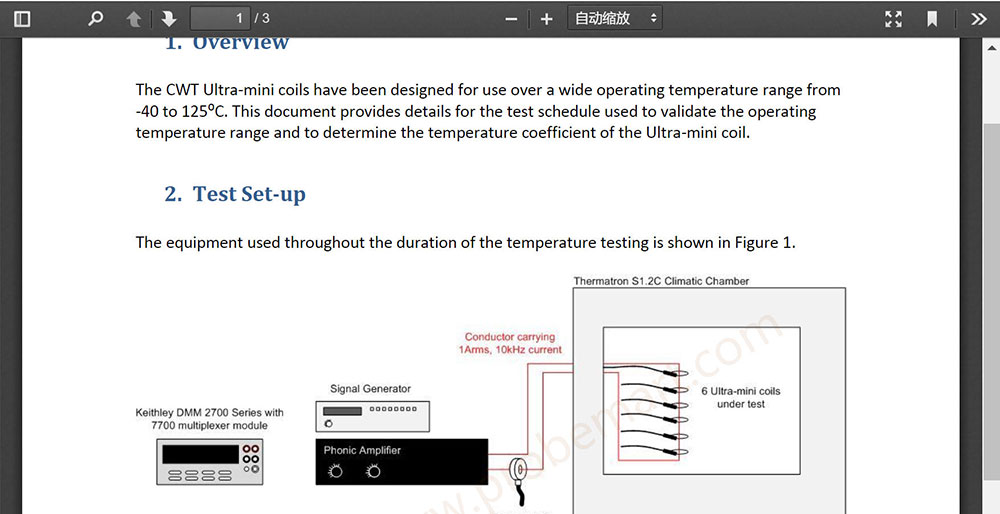
网页中使用pdf.js预览pdf文件